AVEVA E3D automation,tested, not guessed.
PML Console turns an export of your cable trays into cable supports, checks and ready PML — in under a second. Every command it writes has a status from real runs in E3D.
free demo · runs in the browser · nothing to install

cable trays in one export
cable supports placed
to calculate all four routes
test runs in E3D so far
Drag the line. Watch every support appear.
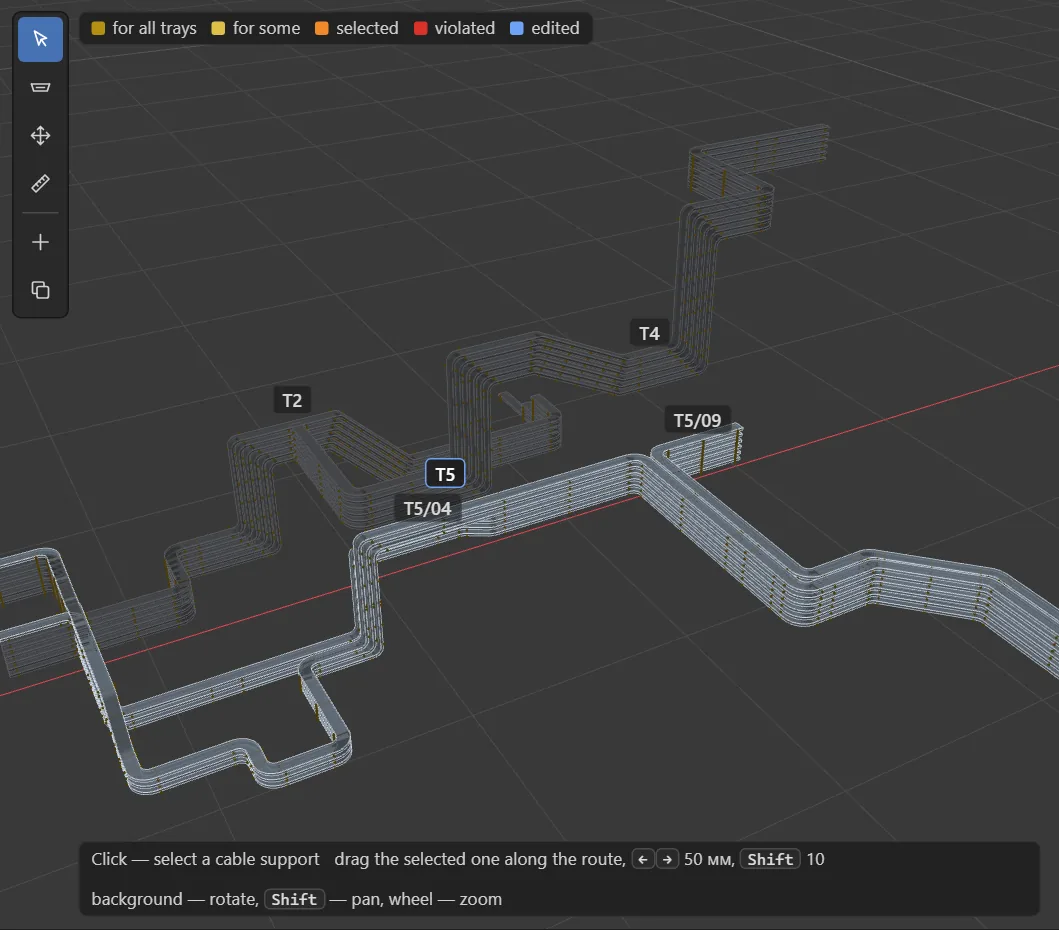
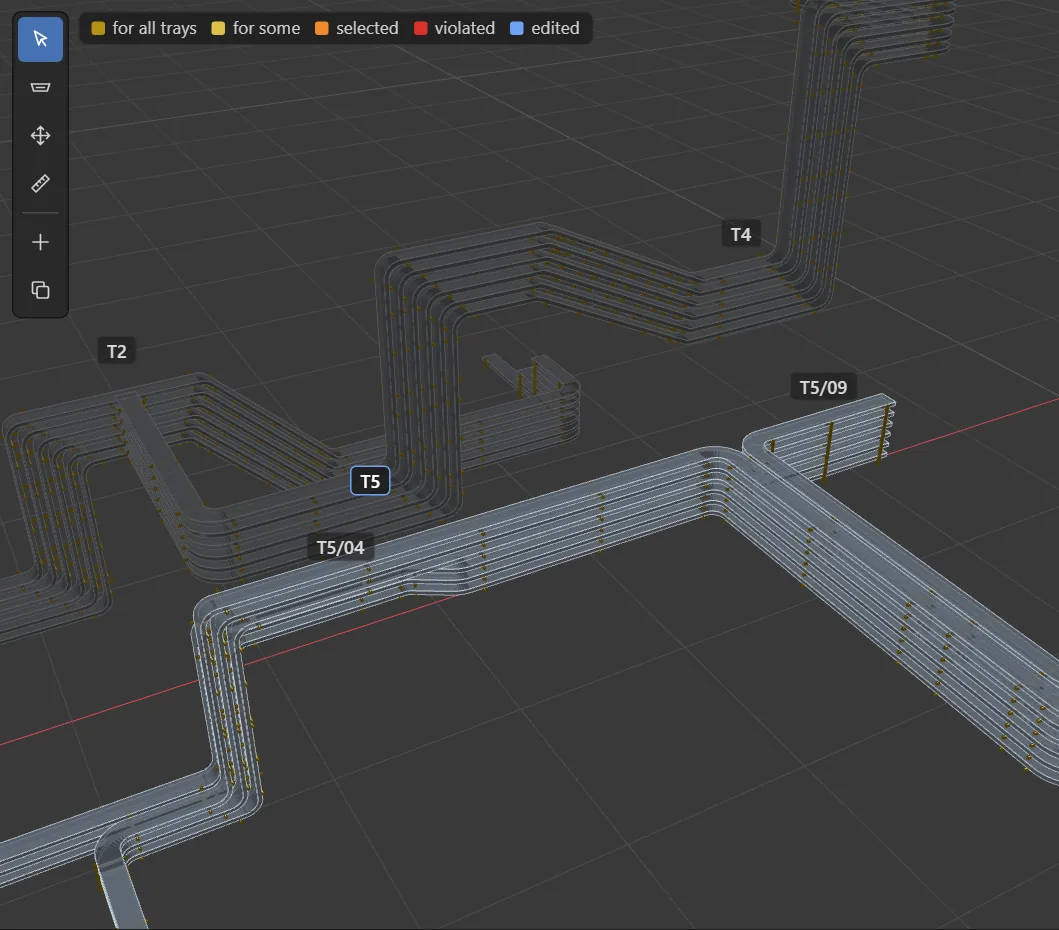
Same trays, same camera. On the left — the export from E3D. On the right — what PML Console placed: struts, brackets and a support at every bend.

 BEFORE · EXPORTAFTER · 240 SUPPORTS
From the model to the model. Four steps, no plug-ins.
Nothing to install and no admin rights: a read-only macro exports the trays, the browser does the work, and you paste the result back into E3D.
Export
One read-only macro writes your trays to a text file. The database is not changed.
knk-cwb.txt · 42 traysPlace
PML Console reads the routes and places every cable support by the written rules — spans, bends, slopes, branches.
240 supports · 0.4 sReview
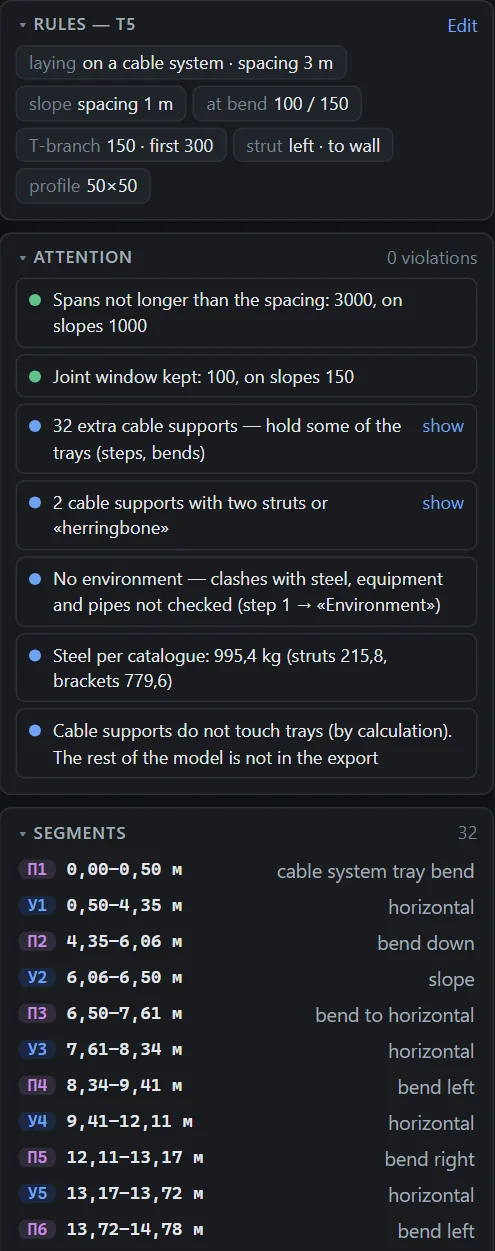
3D and 2D views with a ruler, an unfolded view of each route, and a list of what needs attention. Drag a support — the checks rerun.
0 violationsBuild in E3D
Copy the generated PML and paste it into E3D. Each support is an EQUI with struts and brackets, marked so it can be found and rebuilt later.
PURPOSE PMLC · rebuild by route
alpha log /D:\exchange\knk-cwb.txt OVERWRITE
VAR !knkB COLLECT ALL CWBRAN FOR /PMLC
do !b values !knkB
$!b
Q REF
Q VWIDTH
Q POS WRT WORLD
…
Built for the cable discipline. Trays, supports, equipment, data.
Supports placed along the route, not by hand
Every tray, every bend, every branch. Struts to the wall or a frame, brackets per tier, a bill of materials with steel weight.
Every support has a reason
- Span ≤ 3 m, on slopes ≤ 1 m
- A support within 100 mm of every bend joint
- T-branches, slopes and tiers handled
- Fewest supports out of every valid layout
CWAY and CWBRAN from a description
Routes by zone and discipline, trays on shelves side by side, a cross-section diagram, path points — names grow from the zone.
Sort elements in the tree
Paste the list, get a REORDER sequence checked on a model of the list first.
├ /PMLC-CWAY-T1
├ /PMLC-CWAY-T2 ↑
└ /PMLC-CWAY-T3
Junction boxes
Body, lid and cable entries on any face — a 3D preview before E3D.

Cabinets
Floor or wall, doors on both sides, hinges, handles, plinth or legs.

Excel in, attributes out
Every change shown before it is written, by reference.
Change a number. The diagram and the 3D follow.
Entries in a row, rows across the depth, the offset of the whole group on the face — the face layout and the 3D model update together, before anything goes to E3D. Recorded in PML Console as it is.
The tool shows itself. No video course needed.
Press «How it works» and the page plays a walkthrough on itself: it highlights each field, types the values, turns the box, explains what happens. It is not a screen recording — it runs on the live page, so it always matches the current version.
- 12 steps · about a minute in the tool
- Pause, back, next · arrow keys and Space
- Your form is restored when it ends
- The formfill in on the left — 3D and code on the right
- Zone → name/PMLC → /PMLC-KR-001
- Item numbera free one is offered
- Lid facingthe box turns to the east
- Width200 → 260, 3D follows
- Heightdrag a field like in Blender
- Entry diameter25 → 32 mm
- Entries in a row3 → 4, or a clear refusal
- 3D = the codethe same model goes to E3D
Nothing is assumed about E3D. Every command is proved in a run.
PML has no public reference for cable work. So each command the tool writes is tried on a real E3D first, and its status — and the run that proved it — is shown next to the code.
A register of commands
Works, fails or not verified — with the date of the run.
Undo built in
Writing code starts with a database mark — one UNDODB rolls everything back.
Offline, one file
A single HTML page. No install, no admin rights, nothing leaves your PC.
Test data only
Everything shown here is anonymised training data — no customer projects.
Export. Place. Build.
The whole cable support workflow in one short video — real frames from PML Console on test data.
Watch with sound on YouTubeLearn E3D automation
step by step.
Short videos and articles on PML, cable trays and cable supports — every step tested in E3D. Questions and ideas are welcome in the Telegram chat.